

I almost fainted when I saw the news about another impending fuel price increase last week.
Anyone who has lived through a few rounds of price hikes already knows the pattern. Fuel goes up, and before long the ripple effects begin. Transportation costs climb, shipping becomes more expensive, and eventually everything from groceries to gadgets starts creeping up in price.
Moments like this tend to change how we look at the things we buy. Instead of chasing the newest device every year, people start asking more practical questions.
Will this actually be useful? Can it do more than one job? And perhaps most importantly, is now the smarter time to buy it?
For anyone who has been putting off upgrading their tablet or productivity device, that question becomes even more relevant.
Which brings us to the HUAWEI MatePad 11.5 S 2026.
Huawei positions the MatePad 11.5 S as a “4-in-1 Better Than Ever Productivity Tablet — Work, Learn, Create, and Play.” The idea is straightforward: instead of juggling multiple devices, the tablet brings several roles into a single package.
The positioning also reflects Huawei’s strong presence in the local market. The company has consistently held the No. 1 tablet brand spot in the Philippines, making devices like the MatePad series a familiar choice for students, professionals, and creators looking for a versatile device.
But in uncertain times when every tech purchase deserves a second thought, the real question becomes:
Is the HUAWEI MatePad 11.5 S 2026 a practical device to own today?
S Is for Smart Choices
Huawei doesn’t officially explain what the “S” in the MatePad 11.5 S stands for, but after spending time with the device, a few possibilities come to mind.
Slim. Sketch. Study. Switch.
Those four words neatly describe what Huawei is trying to accomplish with this tablet.
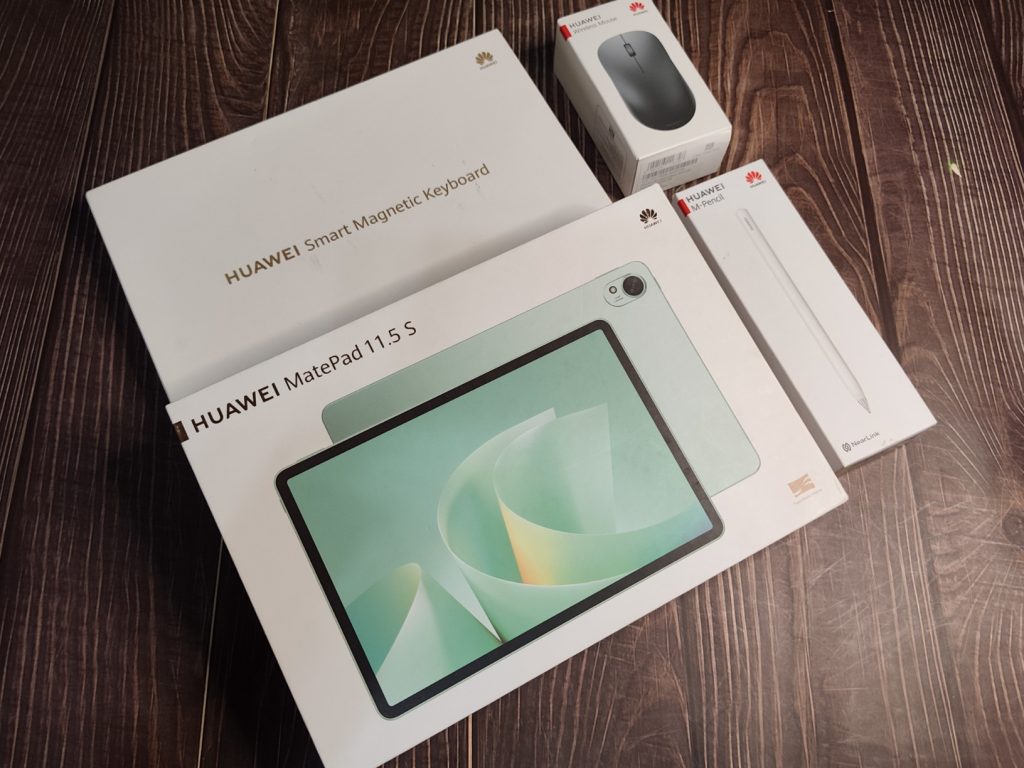
The MatePad 11.5 S 2026 is built around a 4-in-1 concept consisting of four components:
- the tablet itself
- the HUAWEI Smart Magnetic Keyboard
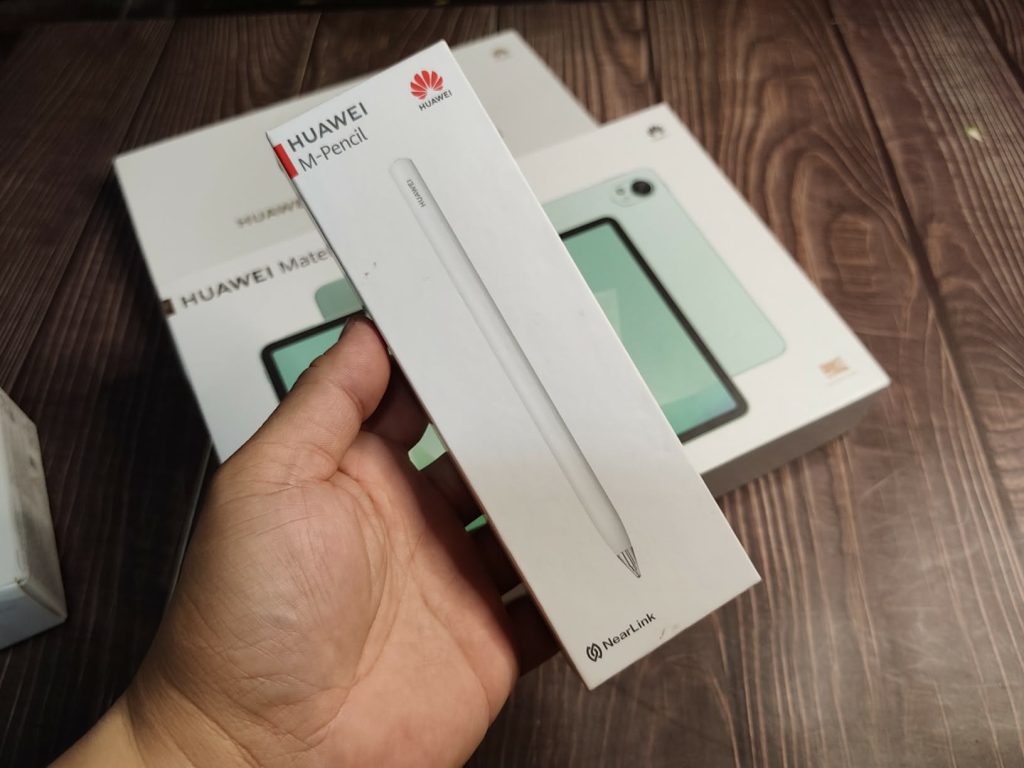
- the HUAWEI M-Pencil (3rd Gen)
- and a wireless mouse
Together they form a setup that Huawei describes as a PC-level tablet experience. The goal is to allow the device to shift naturally between different roles depending on what you are doing.
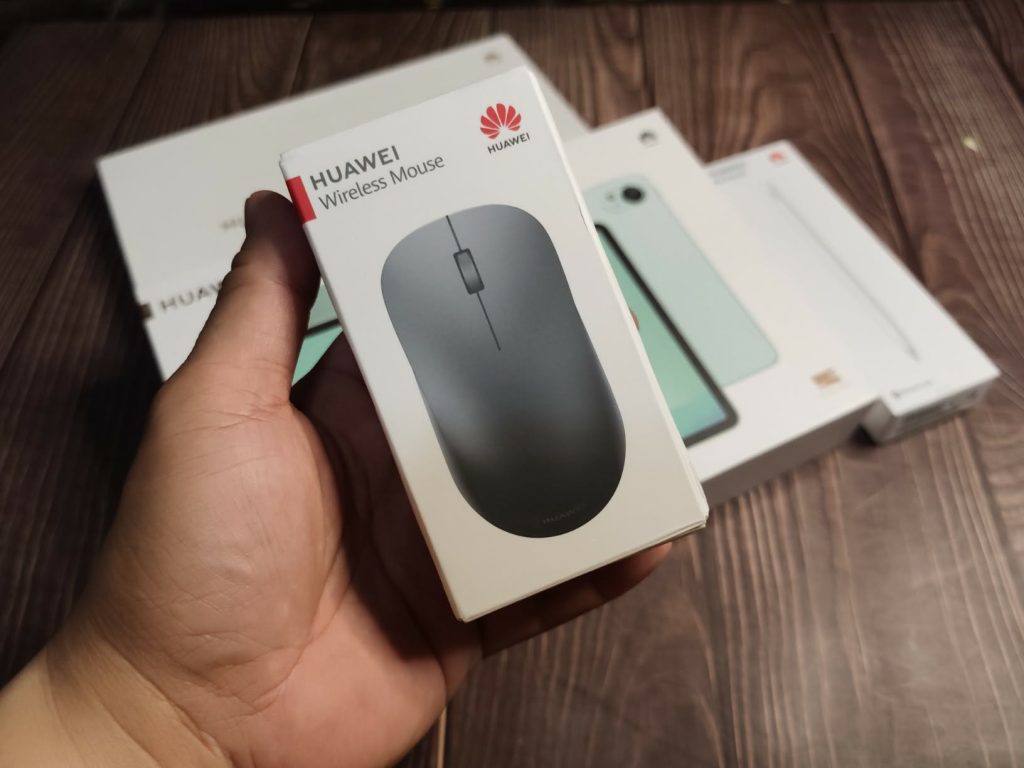
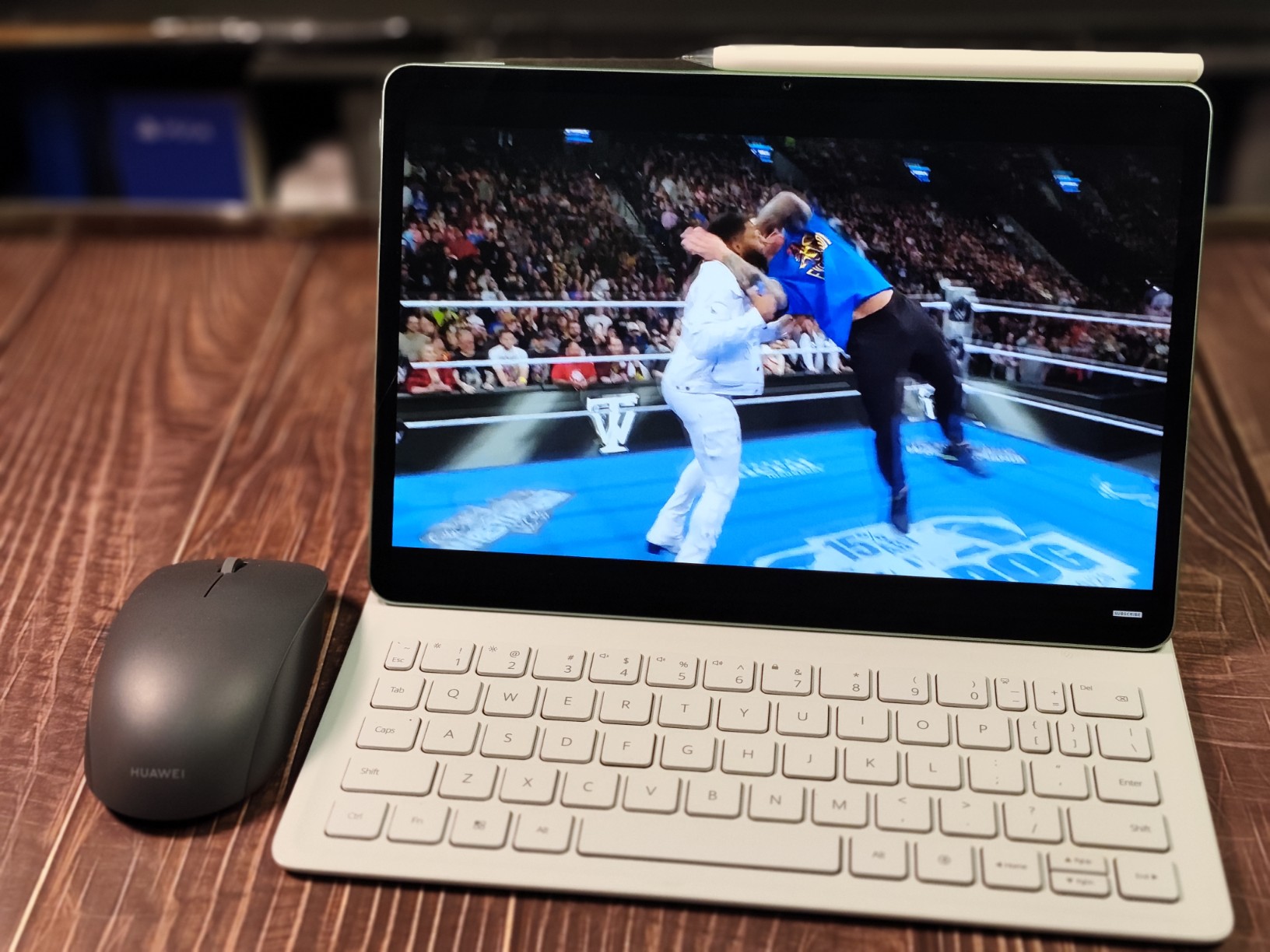
Typing documents in the morning, annotating notes in the afternoon, sketching ideas later in the day, and unwinding with a movie at night—all on the same device.
Slim, Simple, and Surprisingly Premium
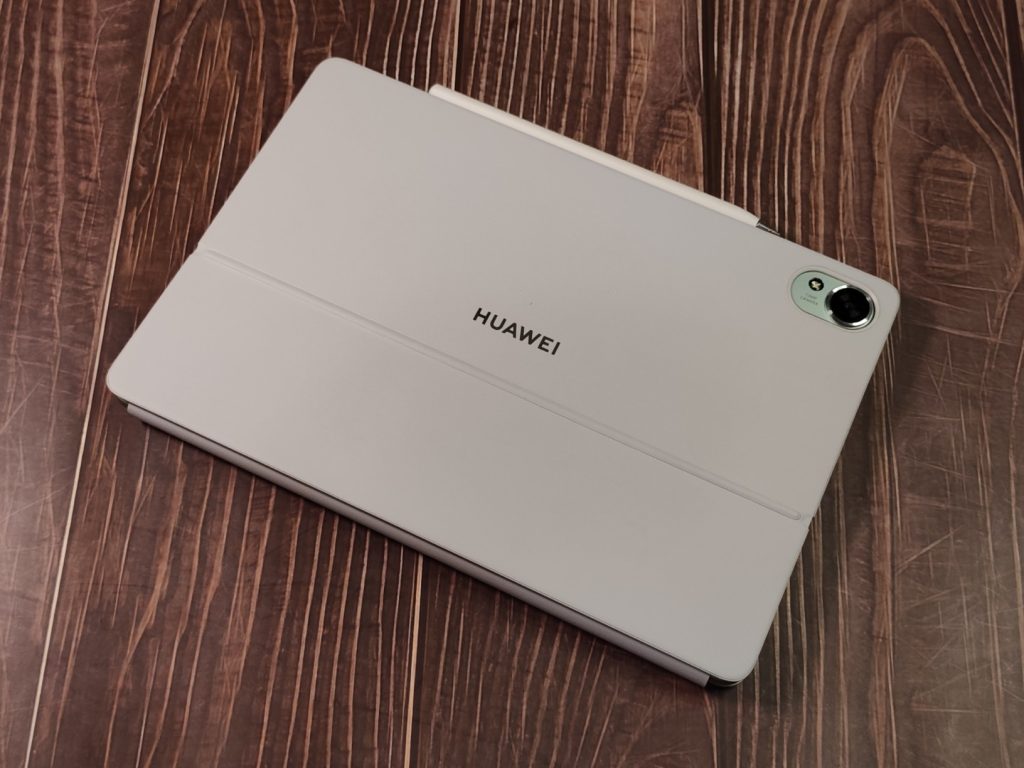
The first thing you notice about the MatePad is how slim it feels.
The tablet measures 261.0 mm × 177.3 mm × 6.1 mm and weighs approximately 515 grams, making it light enough to hold comfortably in one hand while reading or browsing.
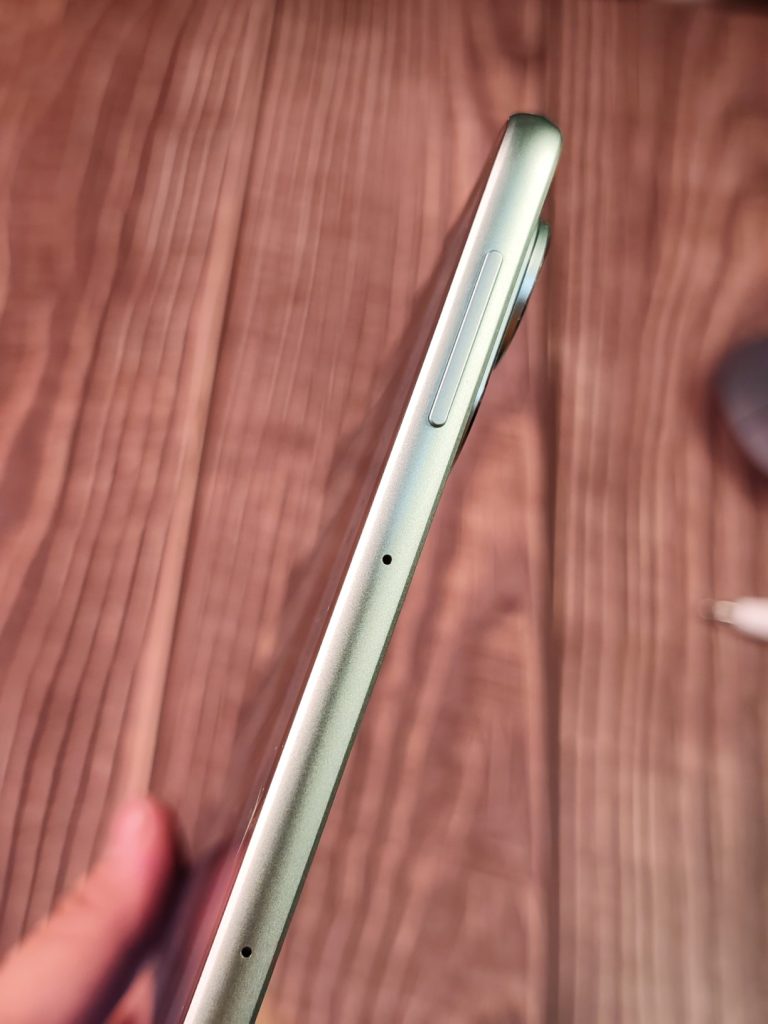
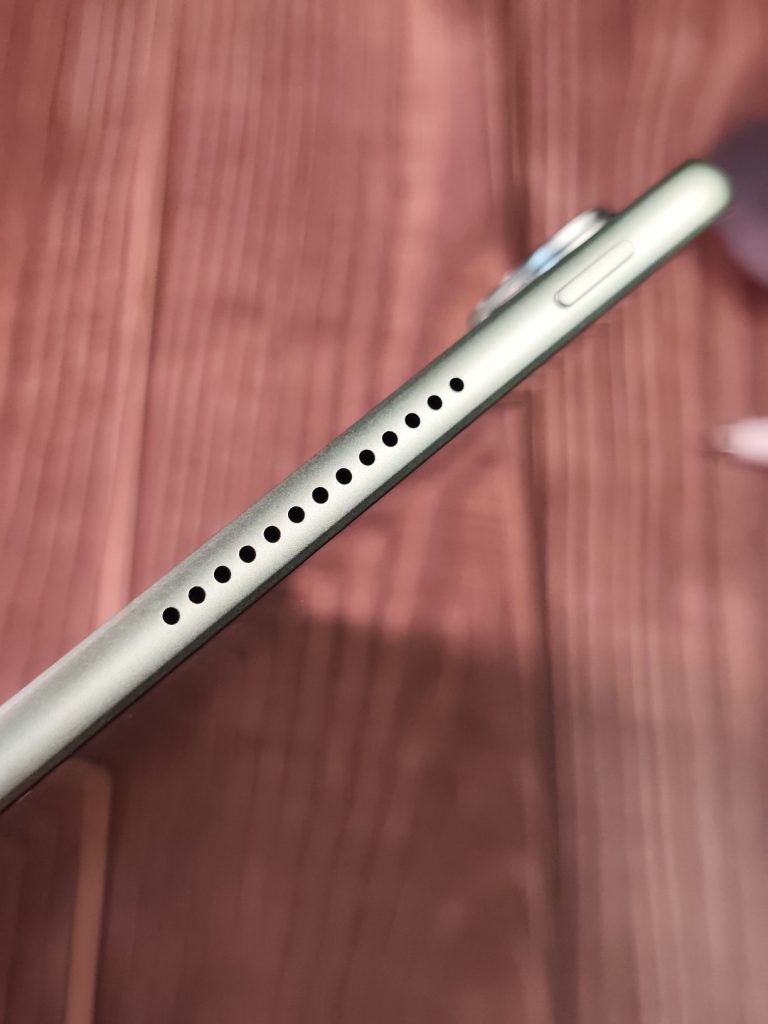
Huawei uses a metallic unibody design with a sand-blasted matte finish, giving the tablet a premium feel while also helping resist fingerprints.
Two color options are available: Green and Space Gray. The green version is particularly eye-catching. It’s vibrant without being loud, and it adds a bit of personality to a device category that often defaults to neutral shades of gray.
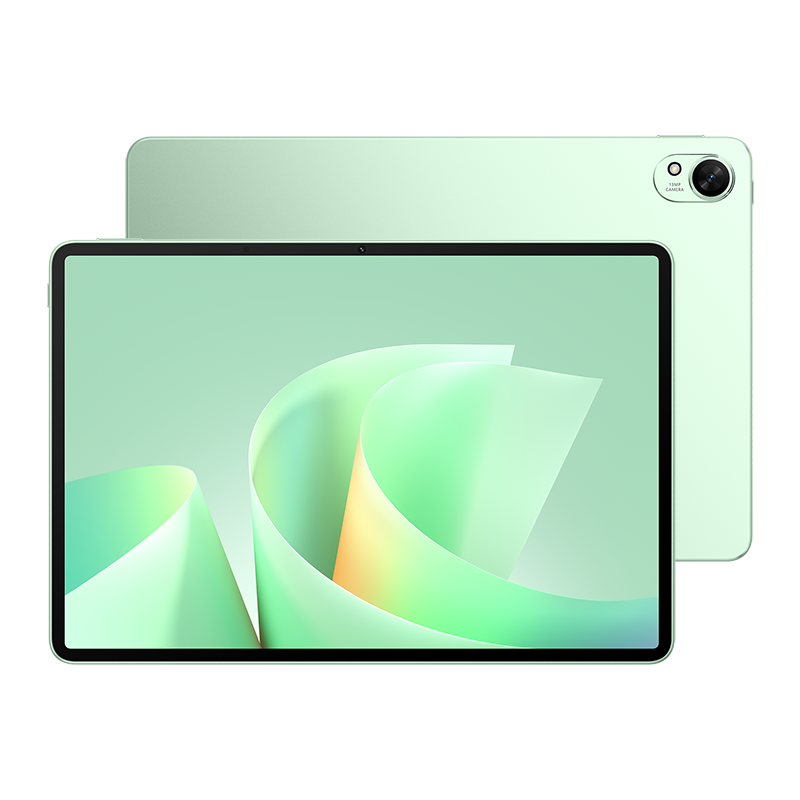
Around the edges you’ll find a USB-C port, speaker grilles for the quad-speaker system, and a magnetic strip where the stylus attaches and charges wirelessly.
The Smart Magnetic Keyboard connects via pogo pins and folds into a stand, allowing the tablet to shift into a laptop-style typing position when needed.
Screen That Feels Like Paper
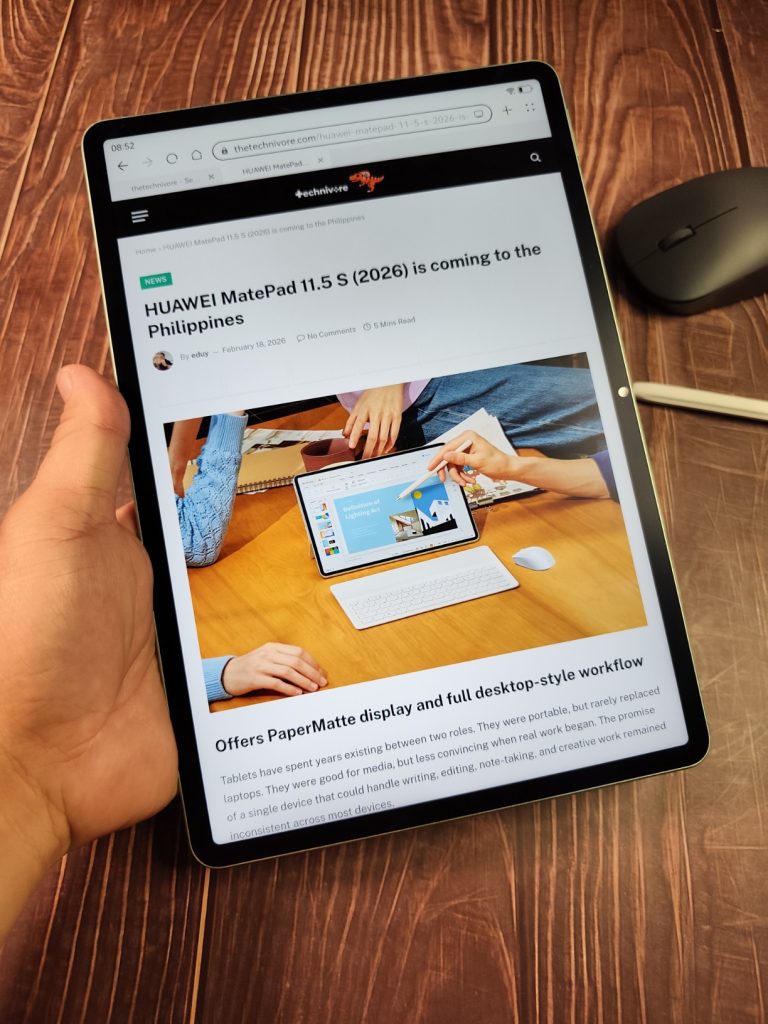
Front and center is the 11.5-inch Ultra-Clear PaperMatte Display, one of the most distinctive features of the device.
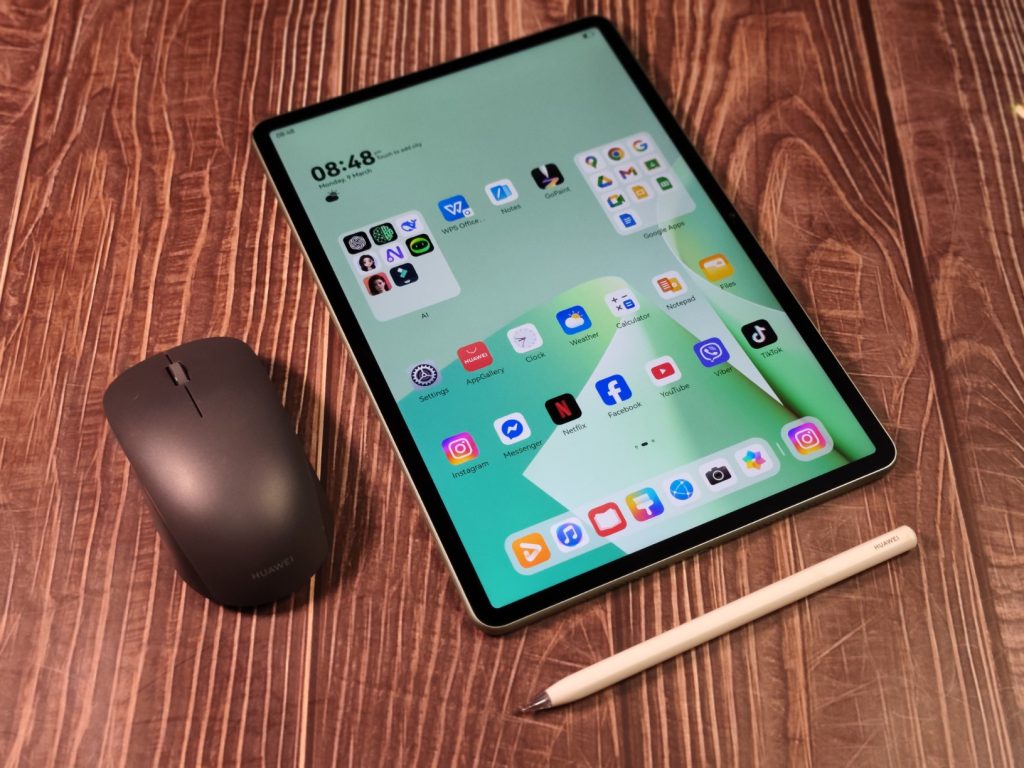
Huawei uses nanoscale etching technology on the panel to reduce glare and reflections by up to 50 percent. The result is a display that remains readable even under strong lighting conditions.
This is actually what gives it the advantage over all other non-Huawei tablets. If you look closely at the photos you wouldn’t be able to tell that I was using a ring light and an LED flash that’s directly focused on the screen. This means no need to keep readjusting angles or hide it from the sun.
The screen features a resolution of 2800 × 1840 pixels, delivering a crisp 291 pixels per inch. It also supports a 144 Hz refresh rate, which makes scrolling, drawing, and general navigation noticeably smoother.
Brightness peaks at 500 nits, and the display supports a P3 wide color gamut, allowing photos and videos to appear vibrant without oversaturation.
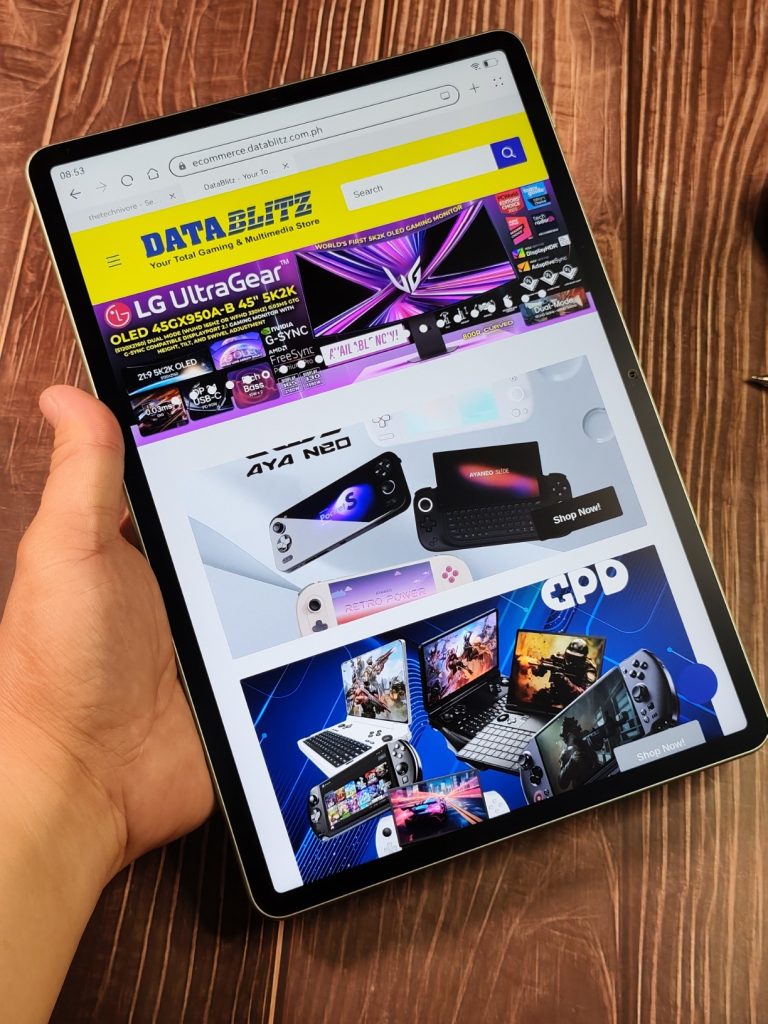
Where the PaperMatte display becomes especially interesting is when paired with the stylus. The textured surface adds just enough friction to simulate the sensation of writing on paper rather than sliding on glass.
For anyone who spends hours taking notes or sketching ideas, that subtle difference becomes surprisingly satisfying.
Sketch, Scribble, Create
Creativity is another area where Huawei clearly expects the tablet to shine.
The MatePad supports the HUAWEI M-Pencil (3rd Generation), which offers over 10,000 levels of pressure sensitivity and ultra-low latency.
The stylus attaches magnetically to the tablet and charges wirelessly when docked.
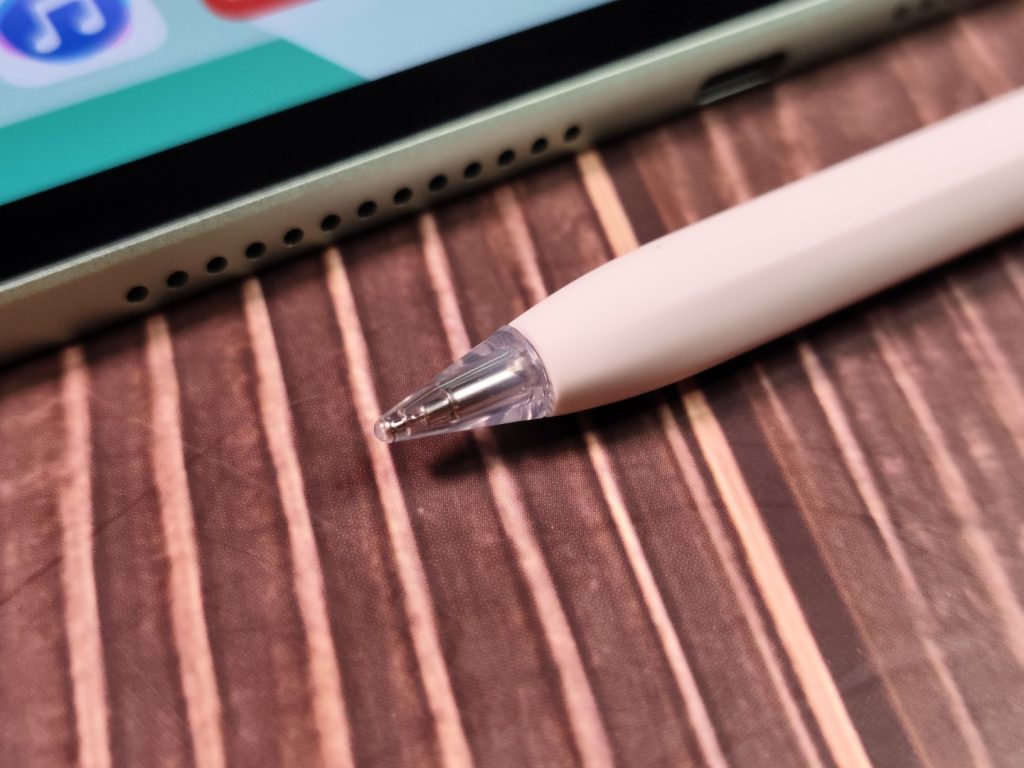
Huawei also notes that the device supports the newer HUAWEI M-Pencil Pro, giving users an upgrade path for even more advanced stylus features.
Two apps highlight the tablet’s creative potential.
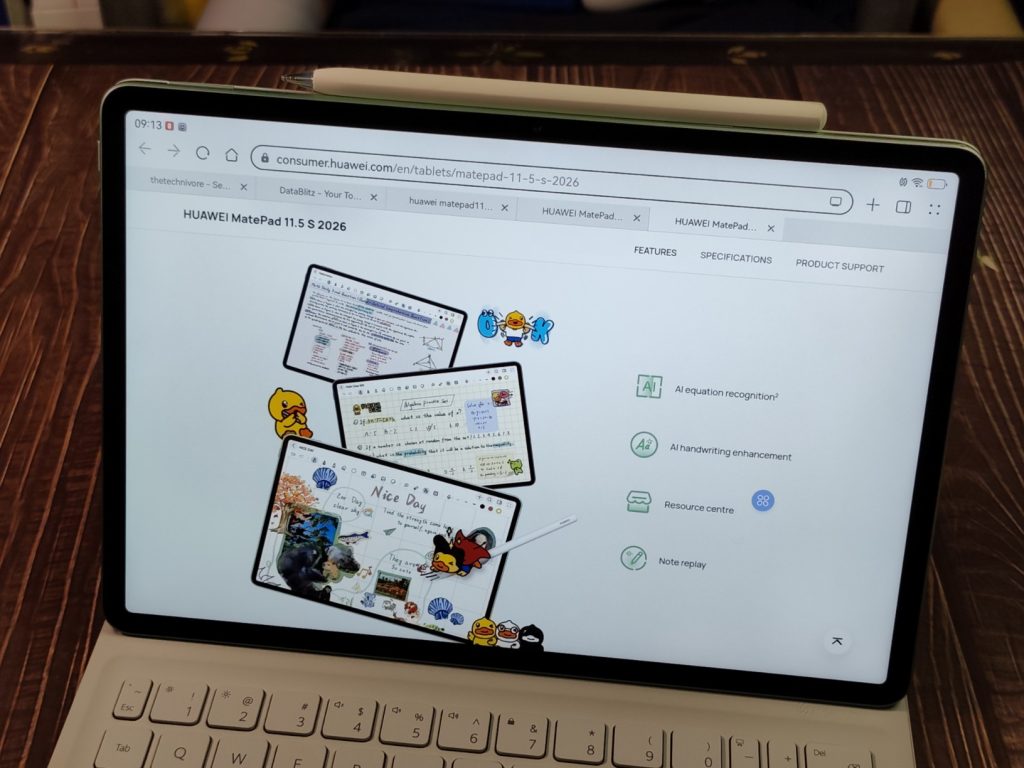
HUAWEI Notes serves as a powerful note-taking platform. Users can write handwritten notes, annotate documents, and record audio alongside their notes. One standout feature is AI Equation Recognition, which allows users to circle a handwritten equation and instantly receive the calculated answer.
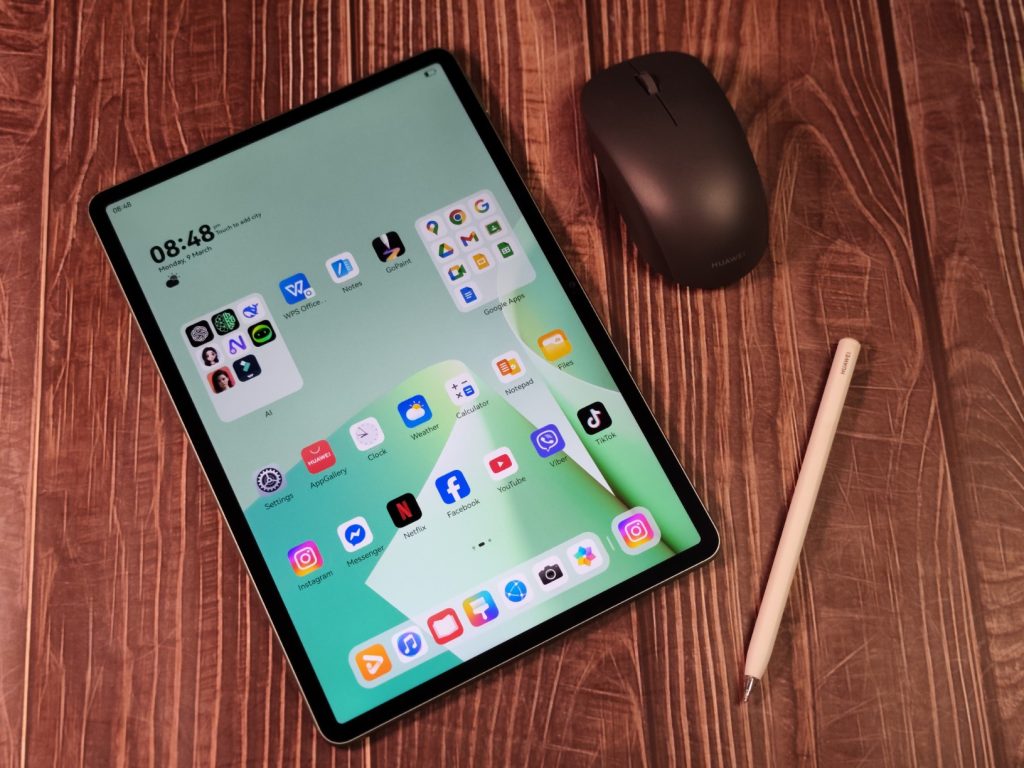
Meanwhile, GoPaint transforms the tablet into a digital canvas. The app includes tools such as 3D Oil Brush, Animation Frame, and Intelligent Color Card, which can extract color palettes from real-world photos and convert them into usable digital paint sets.
For designers, students, and anyone who enjoys sketching ideas visually, these tools make the MatePad feel like a hybrid between a notebook and a drawing tablet.
Serious Work, Simplified
Under the hood, the MatePad 11.5 S 2026 is equipped with 12 GB of RAM and 256 GB of internal storage, providing enough capacity for multitasking across several apps.
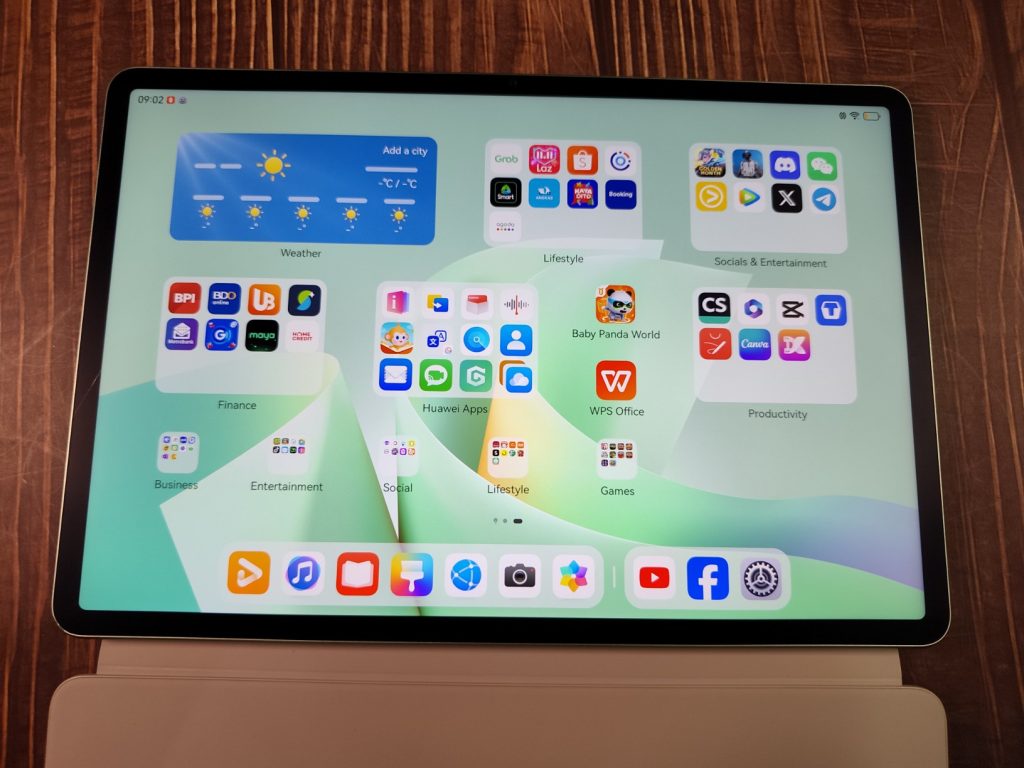
The tablet runs HarmonyOS 4.3, Huawei’s operating system designed for seamless multitasking. Users can open multiple apps simultaneously using split-screen mode or run smaller windows in floating view while working on other tasks.
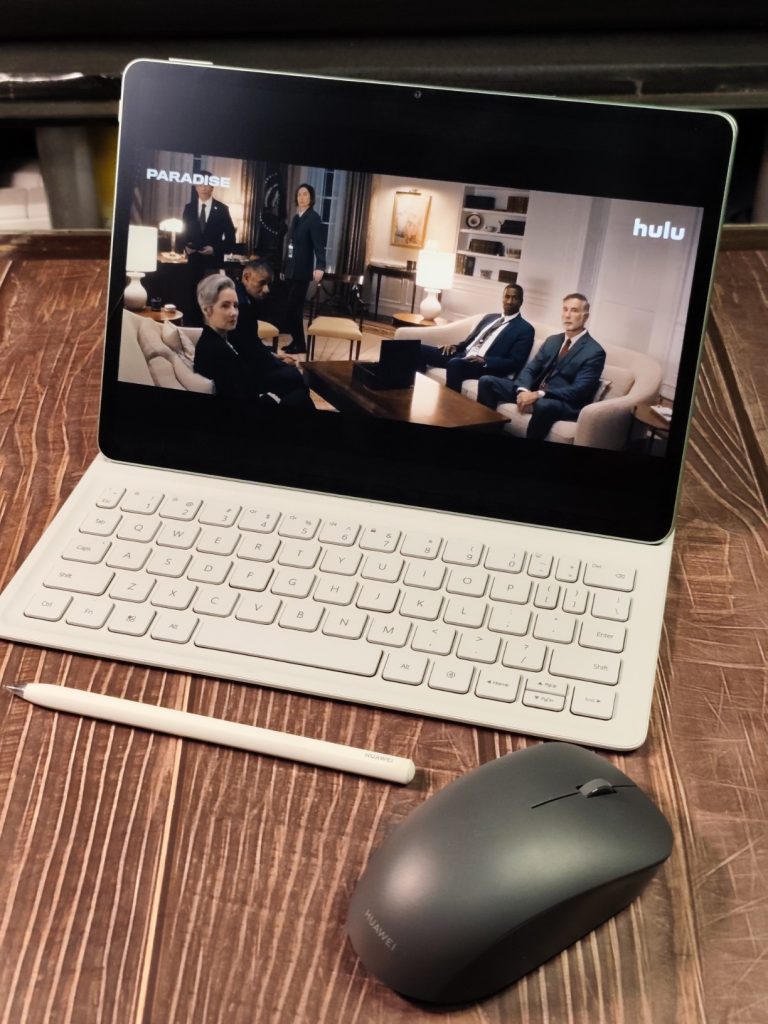
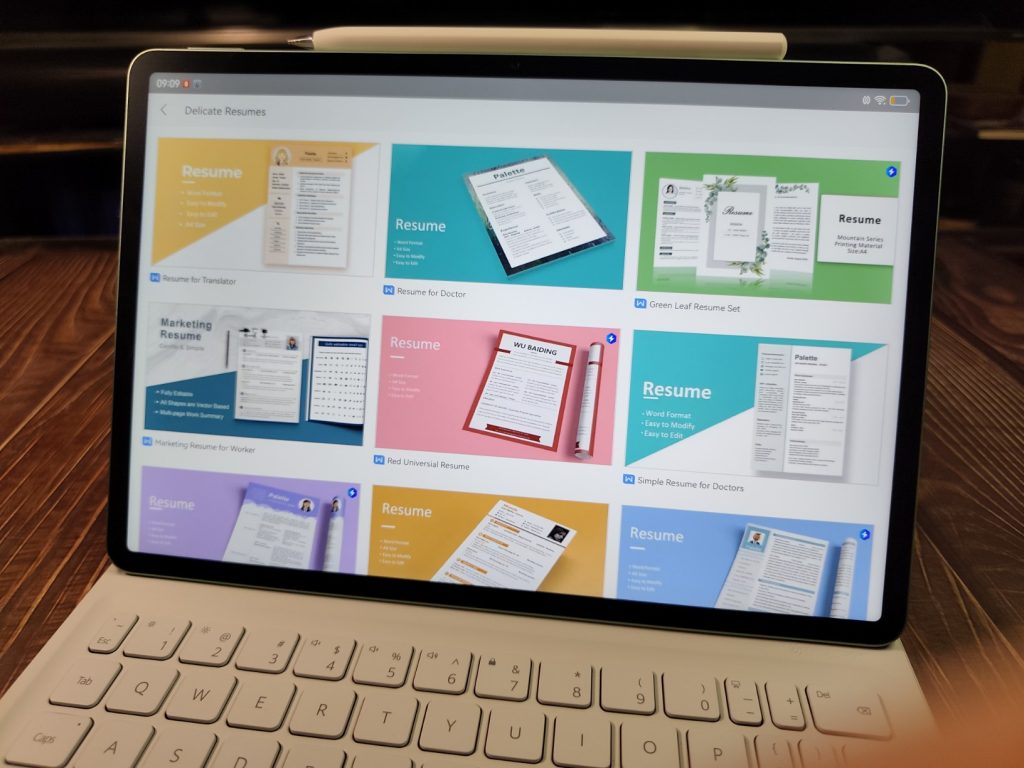
Huawei also bundles WPS Office 3.0, a productivity suite capable of editing Word documents, Excel spreadsheets, PowerPoint presentations, and PDF files.
The interface resembles a traditional desktop layout, allowing users to navigate documents in a way that feels closer to working on a computer.
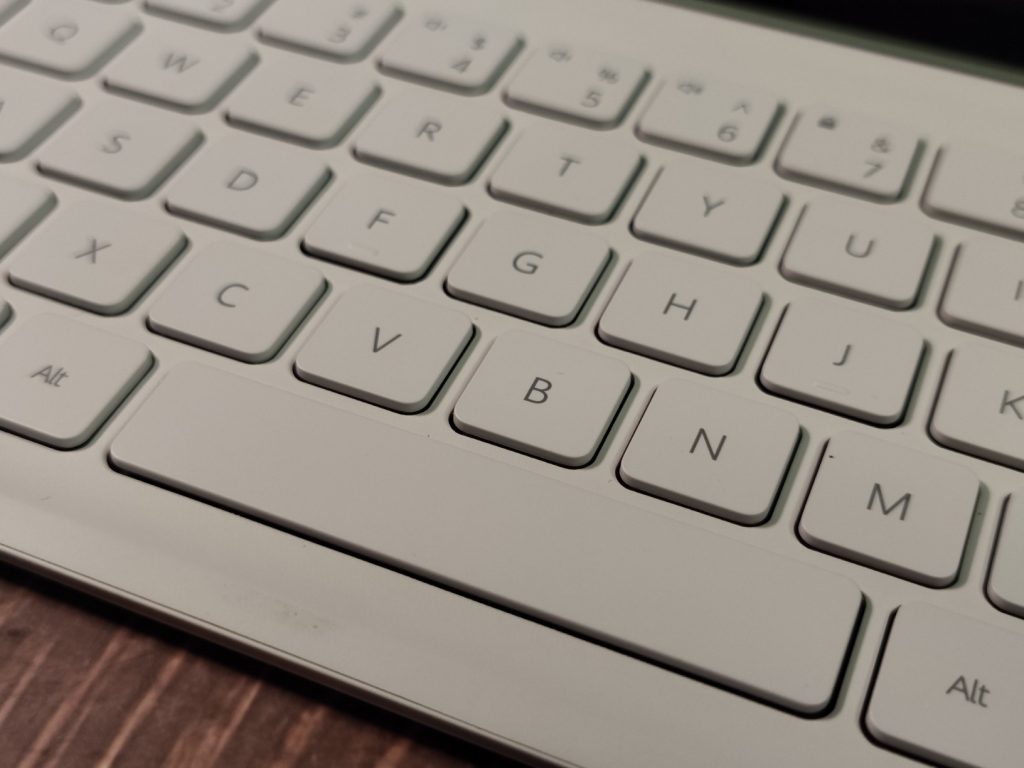
Paired with the Smart Magnetic Keyboard and mouse, editing documents, preparing presentations, or managing spreadsheets becomes far more comfortable than typing on a touchscreen alone.
For students writing research papers or professionals preparing reports, the setup can handle a surprising amount of productivity.
Smooth Enough for Everyday Performance
Huawei doesn’t emphasize the processor in the briefing materials, but in everyday use the MatePad handles typical tablet tasks smoothly.
Switching between apps, opening documents, browsing the web, and managing notes all feel responsive thanks to the 12 GB of RAM supporting multitasking.
The tablet also includes an innovative cooling architecture, which Huawei says helps maintain consistent performance during heavier workloads.
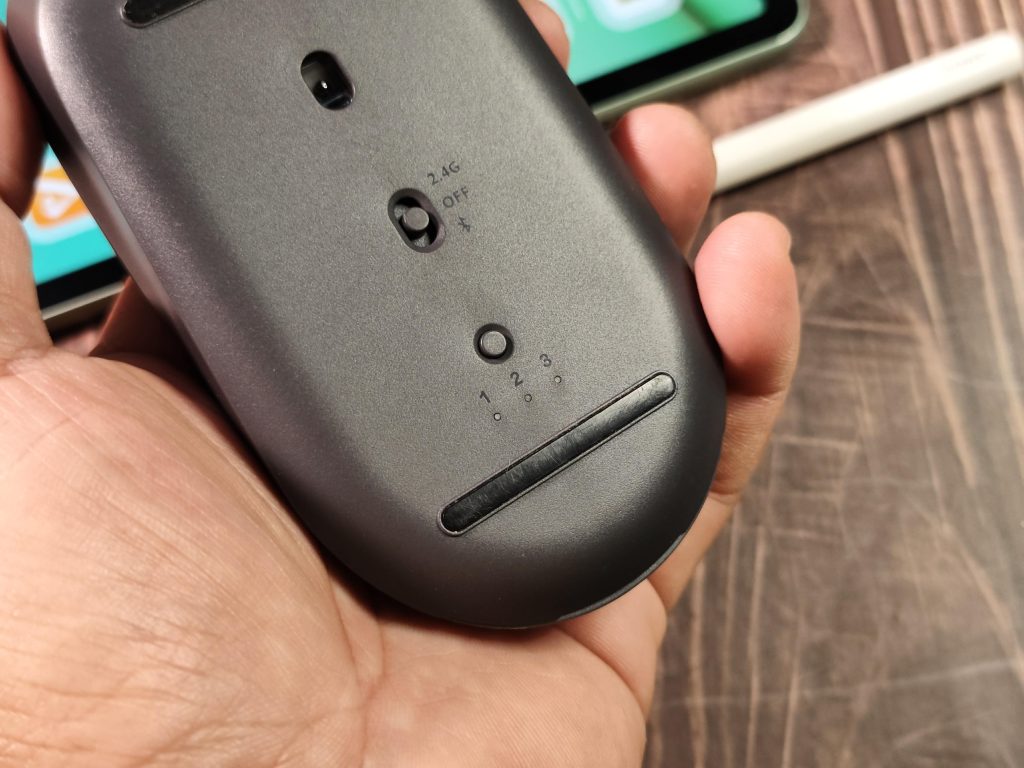
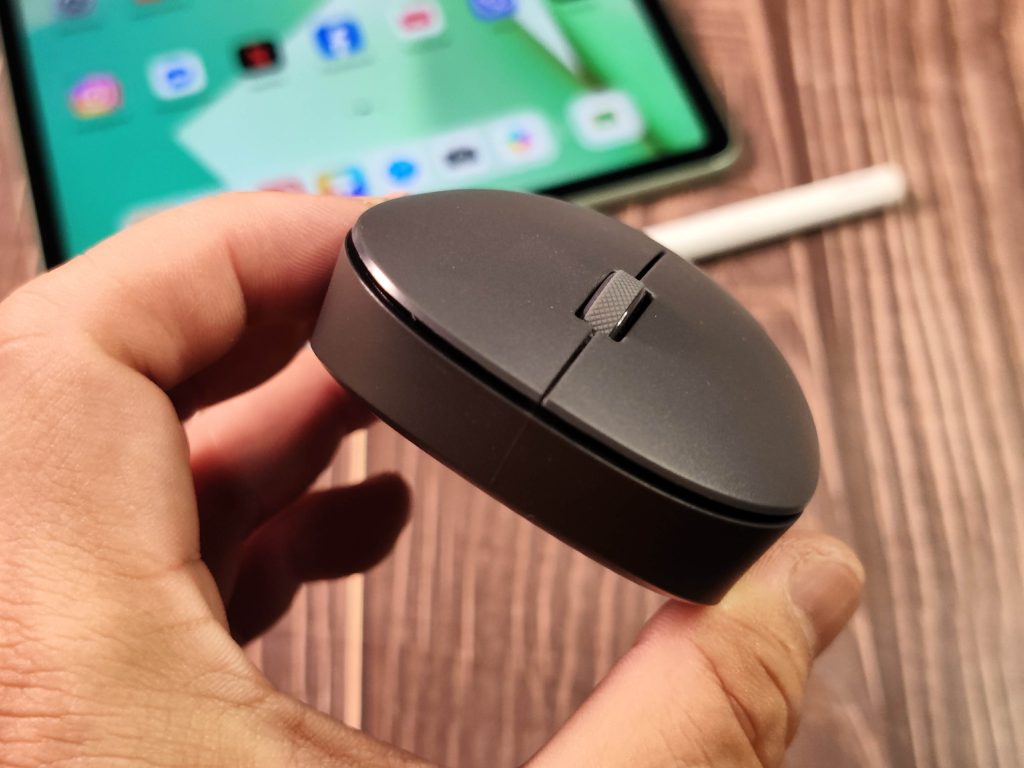
During testing, running multiple apps side by side—including document editing, note-taking, and media playback—remained stable without noticeable lag.
Sound, Streaming, and a Bit of Gaming
Entertainment is another part of the MatePad’s personality.
The tablet features a quad-speaker system tuned with HUAWEI Histen 9.0, producing clear stereo sound that fills a small room surprisingly well for such a slim device.

Watching movies on the 11.5-inch display with 144 Hz refresh rate feels immersive, especially with the glare-reduction effect of the PaperMatte screen.
The MatePad is also capable of handling casual gaming. Titles such as PUBG Mobile, Mobile Legends: Bang Bang, and Standoff2 run smoothly at stable frame rates. The large display and responsive touch controls make these games enjoyable, especially when paired with the tablet’s loud and balanced speakers.
It’s not marketed as a gaming tablet, but it performs comfortably for occasional gaming sessions between work or study tasks.
Work, Study, Create, Play
Huawei frames the MatePad experience around four key scenarios.
Work:
With the keyboard, mouse, and WPS Office 3.0, the tablet can handle document editing, presentations, and online meetings.
Study:
Students can annotate lecture slides, take handwritten notes, and organize research materials using Huawei Notes.
Create:
Artists and designers can sketch ideas using the stylus and GoPaint’s digital brushes.
Play:
Streaming videos, browsing social media, or playing games takes advantage of the high-refresh-rate display and quad speakers.
The goal is to allow a single device to adapt depending on the situation.
Staying Power
Battery life is another practical highlight.
The MatePad includes a large 8,800 mAh battery, which Huawei says can support extended use throughout the day.
During typical mixed usage—web browsing, note-taking, video playback, and occasional gaming—the tablet easily lasts through several hours without needing to reach for the charger.
When it’s time to recharge, the device supports 40 W HUAWEI SuperCharge, allowing the battery to refill much faster than standard tablet charging speeds.
So… Is It a Smart Buy?
After spending time with the HUAWEI MatePad 11.5 S 2026, the device leaves a clear impression: versatility is its main strength.
The combination of a PaperMatte display, 12 GB of RAM, 144 Hz screen, 8,800 mAh battery, and the 4-in-1 accessory ecosystem makes it a tablet designed to move comfortably between different roles.
Work. Study. Create. Play.
In a time when many people are thinking carefully about how they spend their money on technology, devices that can serve multiple purposes start to make a lot of sense.
The MatePad 11.5 S 2026 is Huawei’s attempt to deliver exactly that—a single device built to adapt to different moments throughout the day. And it does the job superbly.
So let’s go back to the question from the beginning.
In a time when many people are thinking more carefully about what technology they spend money on, devices that can handle several roles at once start to make a lot of sense.
Viewed from that perspective, the HUAWEI MatePad 11.5 S 2026 turns out to be a surprisingly practical tablet.
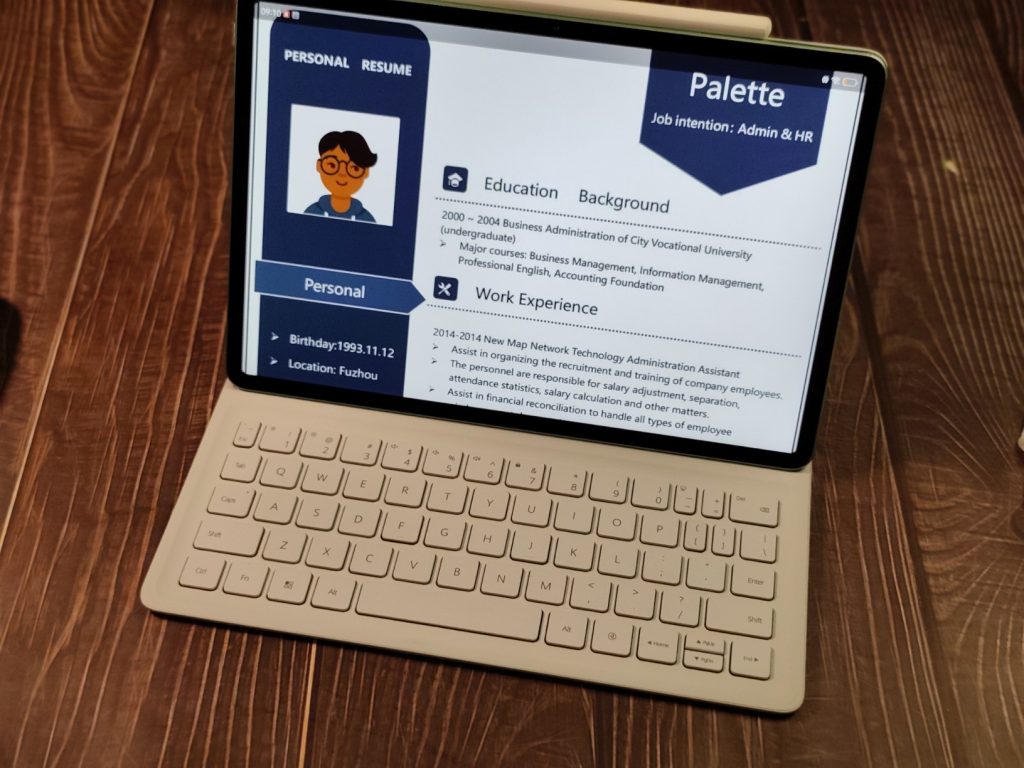
It’s slim, capable, and versatile enough to move between work, study, creativity, and entertainment without asking you to carry several gadgets at the same time.
It may not try to replace every device you own—but it does a convincing job of bringing several of them together in one thoughtful package.

And sometimes, especially when prices everywhere seem to be climbing, that kind of practicality is exactly what makes a gadget worth considering.
The Huawei MatePad 11.5 S 2025 with 12GB+256GB is priced at ₱ 29,999.00 and comes with freebies worth ₱19,896.